
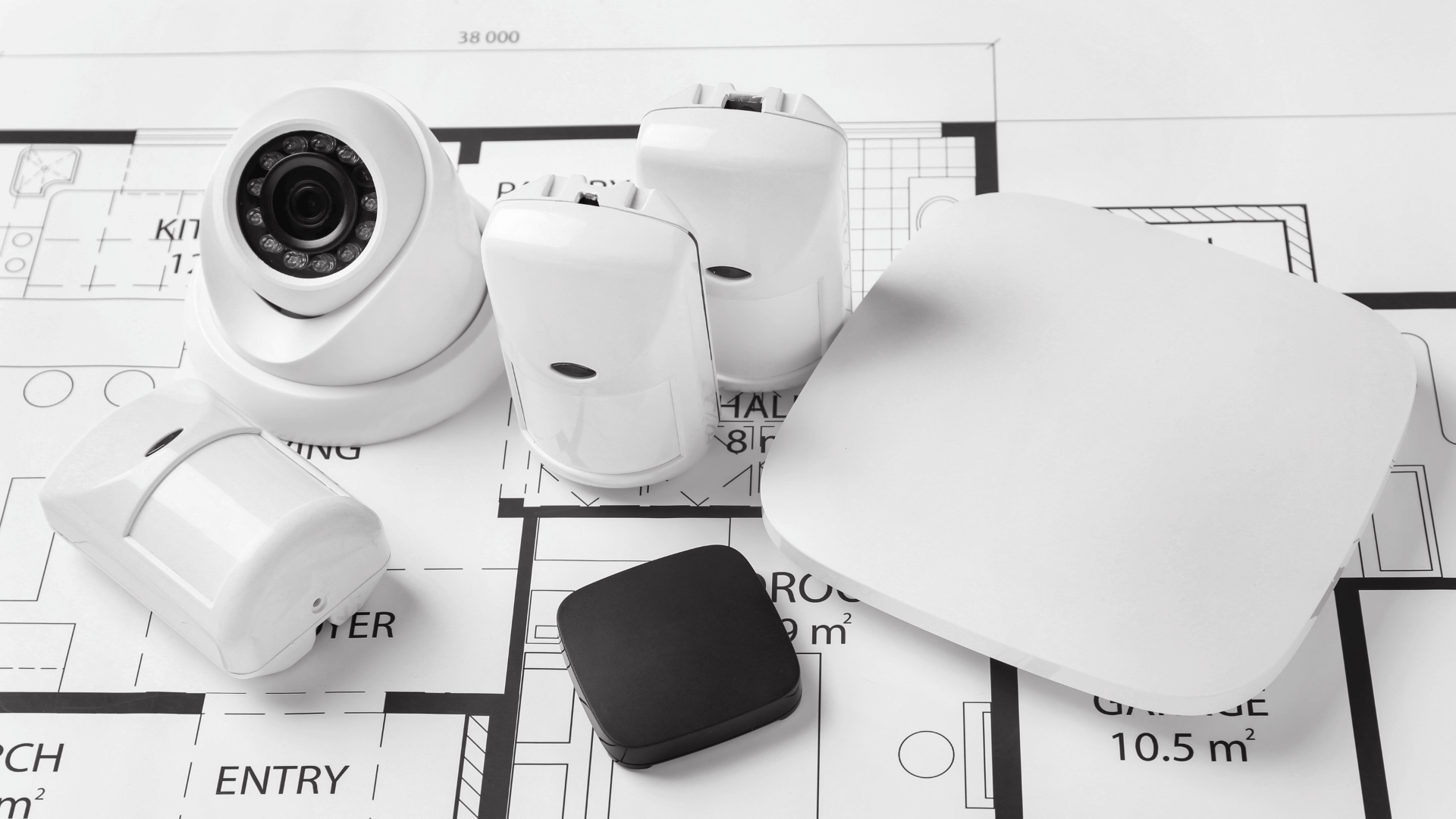
When designing a security system for a commercial building, one of the biggest challenges is making sure new cameras work with existing software and equipment. Many businesses add devices from multiple manufacturers over time, which can create compatibility issues during system upgrades or expansions. Without careful planning, these problems can lead to costly replacements or operational headaches.
That’s where ONVIF-compatible IP cameras come in. In this guide, we’ll explain what ONVIF is, why it matters for commercial installations, and which specifications you should understand when selecting ONVIF-compatible IP cameras for commercial buildings.
What is ONVIF?
ONVIF stands for Open Network Video Interface Forum. It is an open industry standard that helps cameras, recorders, and video management software (VMS) communicate with each other, even when they’re from different manufacturers.
Because ONVIF is based on open standards, you’re not locked into one brand’s ecosystem. For example, you can connect an ONVIF-compatible camera to a different brand’s recorder or VMS instead of being forced to use matching equipment from a single vendor.
This flexibility also makes it easier to upgrade your system in the future. Imagine installing cameras today and deciding to update your recording software next year. As long as both devices support ONVIF, they’ll continue to work together without requiring a complete system overhaul.
Why ONVIF Exists
ONVIF was created to solve several long-standing challenges in the security industry:
- Improve interoperability between security equipment
- Reduce vendor lock-in, allowing you to mix and match products
- Simplify upgrades and system expansion
- Make integrations easier across platforms and technologies
Why ONVIF Compatibility Matters in Commercial Buildings
For small or simple security installations, ONVIF compatibility may not be a critical factor. However, in larger commercial environments, it can make a major difference. Commercial buildings typically have more complex security requirements due to their size, number of devices, and the operational needs of occupants.
Buildings may expand, change tenants, or add new technology over time. ONVIF-compatible IP cameras for commercial buildings help businesses stay flexible and future-ready, supporting upgrades and expansions without having to replace existing infrastructure.
Key Benefits of ONVIF-Compatible IP Cameras for Commercial Buildings
- Easier system expansion: Add new cameras or software without rebuilding your entire system.
- Lower long-term costs: Avoid being tied to one manufacturer’s hardware.
- Multi-brand compatibility: Combine cameras and software from different vendors.
- Simplified integration: Connect cameras to access control, AI analytics, or building management systems.
ONVIF Profiles Explained
Not all ONVIF-compatible IP cameras for commercial buildings support the same features. ONVIF uses “profiles” to define the functions a device can perform. Each profile includes a specific set of requirements that both the device and software must meet to work together properly. You can think of ONVIF profiles as feature packages that define what a camera and software can do together.
Below are the ONVIF profiles used in video surveillance, but ONVIF also defines additional profiles for access control.
Profile G: Edge Storage and Retrieval
- Configure, request, and control recording
- Playback and storage management
- Receive audio and metadata streams
Profile M: Metadata and Events for Analytics Applications
- Analytics configuration and information query for metadata
- Configuration and streaming of metadata
- Generic object classification support
- Metadata definition for geolocation, vehicle, license plate, human face, and body
- Event interfaces for object counter, face and license plate recognition analytics
- Sending events through metadata stream, ONVIF event service, or over MQTT
- Rule configuration for events
Profile S: Basic Video Streaming
- Video streaming
- Basic configuration
Profile T: Advanced Video Streaming
- H.264 / H.265 video compression
- Imaging settings
- Motion alarm and tampering events
- Metadata streaming
- Bi-directional audio
Understanding which ONVIF profile your camera and VMS support is critical for ensuring full functionality and system compatibility.
How ONVIF-Compatible IP Cameras Integrate with Commercial Security Systems
ONVIF-compatible IP cameras can connect with a wide variety of systems and technologies used in commercial buildings, including:
- Video management systems (VMS)
- Cloud-based surveillance platforms
- Access control systems
- AI analytics software
- Building automation systems
- License plate recognition systems
This interoperability gives businesses the flexibility to build scalable security solutions without being tied to a single vendor.
Common Applications of ONVIF-Compatible IP Cameras for Commercial Buildings
- Office buildings
- Warehouses and distribution centers
- Retail shopping malls
- Hospitals and healthcare facilities
- Industrial work sites
- Multi-tenant commercial complexes
Common Mistakes Buyers Make with ONVIF-Compatible IP Cameras
ONVIF makes security systems easier to set up and more flexible, but it has limitations. Here are some common misconceptions about ONVIF-compatible IP cameras for commercial buildings.
Assuming All ONVIF Cameras Are the Same
Different cameras support different profiles and features, so one ONVIF camera may not have the same capabilities as another.
Ignoring Profile Compatibility
Always verify that your camera and software support the same ONVIF profile to guarantee full functionality.
Overlooking Bandwidth Requirements
High-resolution cameras and advanced analytics require more network capacity. Planning for bandwidth is essential to prevent lag or dropped video.
Forgetting Firmware Updates
Regular firmware updates keep devices compatible, secure, and performing optimally.
Expecting Proprietary Features to Work Everywhere
Some advanced analytics or features may only function fully within a specific manufacturer’s ecosystem.
Future-Proofing Commercial Surveillance with ONVIF-Compatible IP Cameras
ONVIF-compatible IP cameras give commercial buildings the flexibility to grow and adapt their surveillance systems over time. By understanding ONVIF profiles and key specifications, businesses can design security systems that are scalable, cost-effective, and easier to integrate.
Whether you are replacing hardware in an existing surveillance system or building a new one from the ground up, choosing ONVIF-compatible IP cameras for commercial buildings protects your investment while making future upgrades and expansion much easier.
Need Help Designing a Commercial Security System?
2M Technology helps businesses plan and deploy surveillance solutions using ONVIF-compatible IP cameras for commercial buildings, enterprise VMS platforms, and integrated security technologies.
Our team can assist with:
- System design and planning
- Multi-brand camera integration
- Enterprise and industrial deployments
- Custom security solutions for commercial buildings
Contact 2M Technology to discuss your project and find the right ONVIF-compatible surveillance solution for your facility.
☎ Phone: +1 (214) 988-4302
✉ Email: sales@2mtechnology.net
Frequently Asked Questions (FAQs)
1. What does ONVIF-compatible actually mean?
ONVIF-compatible IP cameras follow an open industry standard that allows devices from different manufacturers to communicate with each other. This helps cameras, recorders, and video management software (VMS) work together without requiring everything to come from one vendor. However, compatibility depends on supported ONVIF profiles and features.
2. What ONVIF profiles are the most important for commercial surveillance?
For most commercial buildings, the most relevant profiles include:
- Profile S: Basic video streaming and configuration
- Profile T: Advanced streaming, H.265 compression, metadata, and audio
- Profile G: Edge recording and playback
- Profile M: Analytics and metadata for AI application
The right profile depends on your system requirements.
3. Are ONVIF-compatible IP cameras good for multi-brand systems?
Yes. ONVIF is especially useful for commercial environments that use equipment from multiple vendors. It allows businesses to mix and match cameras, recorders, and software while maintaining system flexibility.
4. Do ONVIF-compatible IP cameras work with any VMS?
Not always. Although ONVIF improves interoperability, both the camera and the VMS must support the same ONVIF profiles and functions. Some advanced features may still depend on manufacturer-specific integrations.
5. Does ONVIF guarantee that all camera features will work?
No. ONVIF standardizes core functions like video streaming and device communication, but some advanced analytics or proprietary features may only work fully within a specific manufacturer’s ecosystem.
6. How can I verify if a camera is ONVIF conformant?
You can:
- Check the official ONVIF Conformant Products database
- Confirm supported ONVIF profiles in the product specifications
7. Do you install ONVIF-compatible IP cameras for commercial buildings?
Absolutely. Our team specializes in planning, integrating, and deploying ONVIF-compatible IP camera systems for commercial buildings. We handle everything from system design and multi-brand camera integration to enterprise-scale deployments, ensuring your surveillance system is scalable, fully compatible, and future-ready.
Contact our sales team to discuss your security needs and receive a customized pricing estimate. You can email sales@2mtechnology.net, call +1 (214) 988-4302, or fill out a quick quote form.