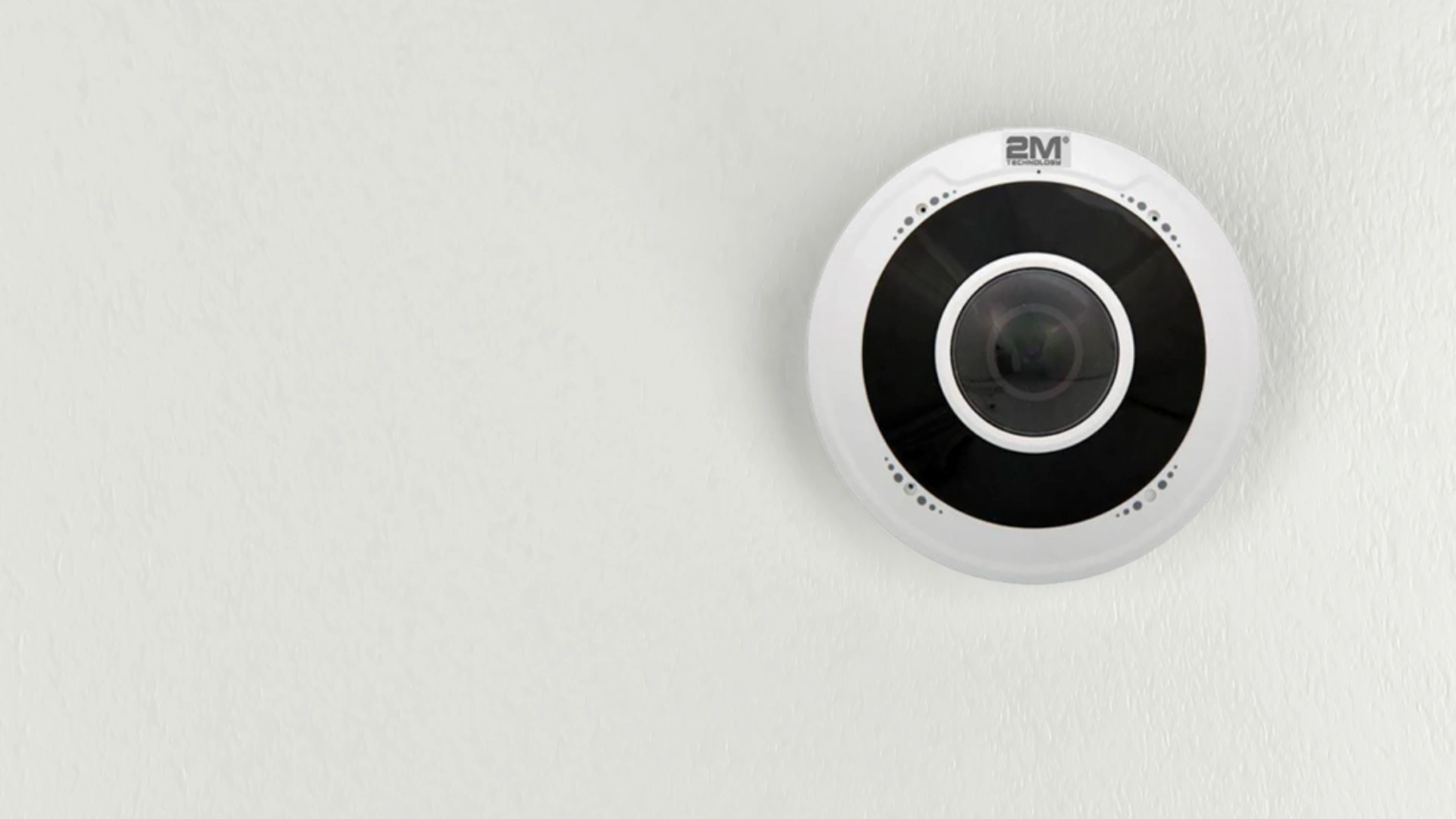
Fisheye and panoramic cameras both cover up to 360° with a single device instead of multiple fixed cameras — the difference is how they get there. A fisheye camera uses one lens and digitally “dewarps” the curved image, trading some resolution for a lower price and a smaller footprint. A panoramic (multi-imager) camera uses up to eight separate lenses stitched into one image, keeping resolution high at the cost of a larger unit and a higher price. Which one fits depends mainly on whether you need to identify faces at a distance or just monitor that an area is covered.
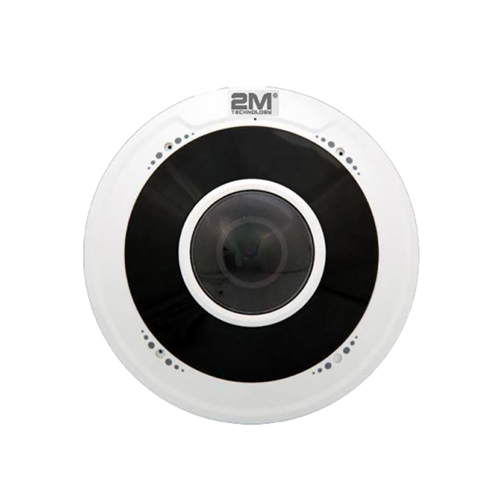
Fisheye Cameras
Fisheye cameras use a single, specialized wide-angle lens that can capture 180° to 360° in one shot. Because everything passes through one lens, the raw image is heavily curved — software “dewarping” straightens it into a usable view (or several separate virtual views) for the operator. The tradeoff for that single-lens simplicity is resolution: since one sensor’s pixels are stretched across a much wider field of view than a standard camera, the resulting image has less detail per square foot of coverage than a narrower-angle camera would produce, and footage can look softer or slightly pixelated when zoomed in on a specific area.
Panoramic Cameras
Panoramic cameras — also called multi-imager or multi-sensor cameras — reach the same 360° coverage a different way: instead of one lens stretching its view across the whole scene, up to eight separate lenses each capture a narrower slice, and onboard software stitches the slices into one continuous image. Because each lens is only responsible for a fraction of the full view, none of them has to stretch its pixels nearly as far, so the final stitched image holds far more usable detail than a single-lens fisheye covering the same area. Most panoramic models also let an operator digitally zoom into any one of the individual lens feeds without losing the resolution of the wide shot.

Fisheye vs. Panoramic: Side-by-Side Comparison
| Factor | Fisheye | Panoramic (Multi-Imager) |
|---|---|---|
| Lens count | 1 | Up to 8 |
| Coverage angle | 180°–360° | Up to 360° |
| Resolution per area covered | Lower — pixels stretched across a wider view | Higher — each lens covers a narrower slice |
| Blind spots | Fewer — single continuous field of view | Possible at lens-stitch seams |
| Bandwidth / storage load | Lower | Higher — more image data to encode and store |
| Best environment | Indoor, budget-conscious installs | Outdoor, large or high-identification-need areas |
| Face/plate identification at distance | Weaker | Stronger — zoom into individual lens feeds |
| Typical price tier | Lower | Higher |
How Multi-Imager Stitching Works
Each lens on a panoramic camera is aimed at a fixed, overlapping slice of the total field of view. Onboard image-processing software blends the overlapping edges of adjacent lens feeds into a single seamless frame, correcting for the slight difference in angle and exposure between lenses as it goes. The overlap is what keeps the seams from creating a visible gap — but it’s also where blind spots are most likely if a lens fails or gets obstructed, since neighboring lenses only partially cover for each other at the stitch line.
Best Use Cases by Facility Type
Retail stores and small offices: A single fisheye camera mounted on the ceiling can replace 3-4 fixed cameras for general area coverage, at a fraction of the installation cost — ideal when the goal is documenting activity rather than reading faces from across the room.
Parking lots and streets: Panoramic cameras handle large outdoor areas better because the higher resolution per zone supports reading license plates and identifying faces at range — something a fisheye’s stretched pixels struggle with once the subject is more than a few dozen feet from the lens.
Warehouses and open floor plans: Either works depending on ceiling height and whether identification detail matters — a fisheye at a lower ceiling height keeps cost down; a panoramic camera on a high warehouse ceiling holds resolution better across the larger covered radius.
Installation Considerations
Both camera types are typically PoE (Power over Ethernet), so a single cable handles both power and data — no separate electrical run needed at the mount point. Because panoramic cameras generate substantially more image data than a single-lens fisheye covering the same footprint, confirm your network switch and NVR/recorder have the bandwidth and storage headroom before standardizing on panoramic units across a large site. Both camera families are commonly built to ONVIF, the industry standard for IP camera interoperability maintained by the ONVIF consortium, which is worth confirming with your integrator if the cameras need to interoperate with an existing VMS or NVR platform from a different manufacturer.
Frequently Asked Questions
Which camera type is better for a parking lot?
Panoramic cameras generally perform better in parking lots because their higher resolution per zone supports reading license plates and identifying faces at the distances typical of a lot’s dimensions. A fisheye can still cover the area, but detail at the edges of the frame will be noticeably softer.
Do fisheye cameras need dewarping software?
Yes. The raw image from a fisheye lens is curved, and dewarping software corrects that curve into a flat, usable view — either a single flattened panorama or several separate virtual PTZ-style views generated from the same feed. Nearly every fisheye camera or its recorder/VMS software includes dewarping as a built-in feature.
How much storage does a panoramic camera need compared to a fisheye?
Meaningfully more. A multi-imager panoramic camera is effectively recording several sensor feeds at once, so the combined bitrate is higher than a single-lens fisheye covering the same physical area. Confirm NVR storage capacity and network bandwidth can handle the higher load before deploying panoramic cameras at scale.
Can a fisheye camera really replace multiple regular cameras?
For general area coverage, yes — one ceiling-mounted fisheye can cover the same floor area as 3-4 fixed cameras. The tradeoff is that a fisheye can’t zoom into one corner of the room with the same detail a dedicated fixed camera pointed at that corner would capture.
What happens if one lens fails on a panoramic camera?
You lose coverage of that lens’s slice of the field of view, and depending on the overlap design, the adjacent lenses may only partially compensate. This is the main reliability tradeoff of a multi-lens design compared to a single-lens fisheye, which has no equivalent single point of failure across its field of view.
Are fisheye or panoramic cameras better for indoor use?
Fisheye cameras are the more common choice indoors — retail floors, lobbies, and offices — because their lower cost and compact, unobtrusive ceiling-mount design fit typical indoor budgets and aesthetics, and identification-at-distance is rarely the priority in those settings.
Wrap Up
Both fisheye cameras and panoramic cameras are good choices if you want to have surveillance over a wider area using a single device. To decide which one to use, just consider what areas you will be using them for and what your budget is. If your main purpose is for identifying faces in high detail, then a panoramic camera is the best choice. If you just want to monitor an area without much identifying, then a fisheye camera would be suitable. If you would like to see how these products work, then schedule a free live demo today!