
Knowledge Base
How to Sign Up for Star4Live Account
Star4Live is the server that we use to view NVR and camera footage over the web. Each customer needs to have an account to view and manage their devices.
This is only valid for models: 2MT-4004, 2MT-2008, 2MT-4088, 2MT-4016, 2MN-8004-P4, 2MN-8008-P8, 2MN-8116-P16, 2MN-8232-P16 and our IP cameras.
Step 1. Access the Star4Live login portal
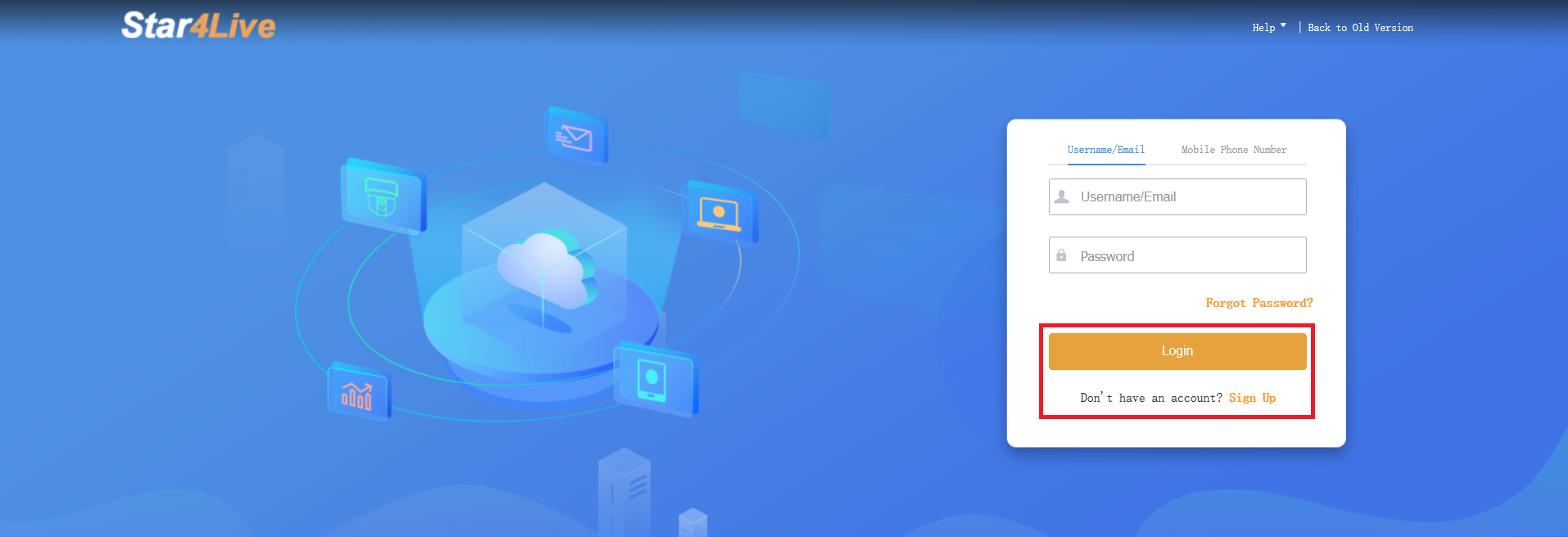
Navigate to the official Star4Live login portal. Click the Sign Up link.
Step 2. Create account credentials
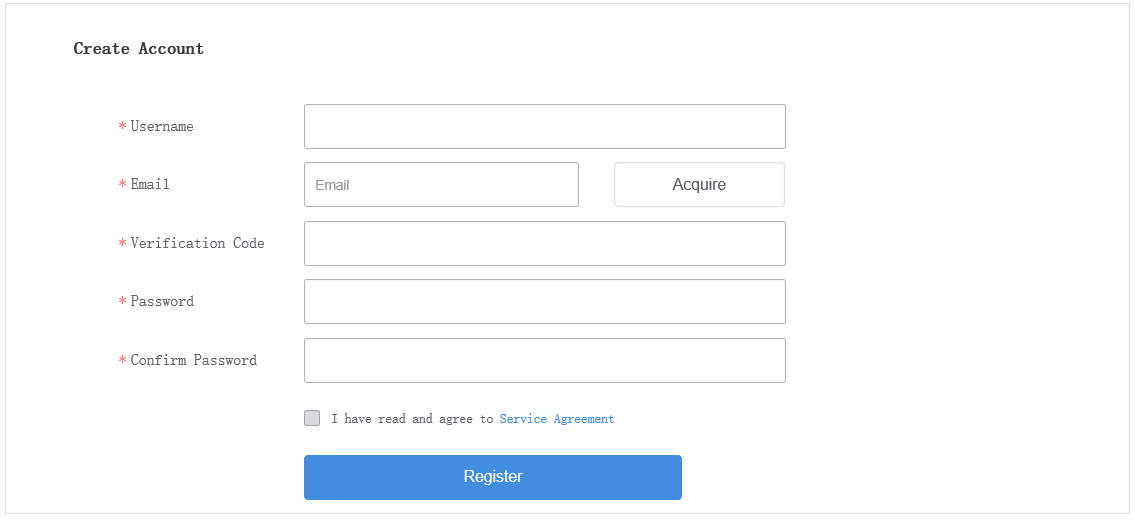
You will be redirected to a new page that will prompt you to fill out information in order to create an account:
–Username
–Email
–Verification Code: Code that was sent to email. NOTE: If you have not received anything in your inbox, please also check the Spam folder.
–Password
–Confirm Password
–Service Agreement
Step 3. Register account
Once all fields are correctly filled out, click the Register button. Your account is now active and ready to be used.