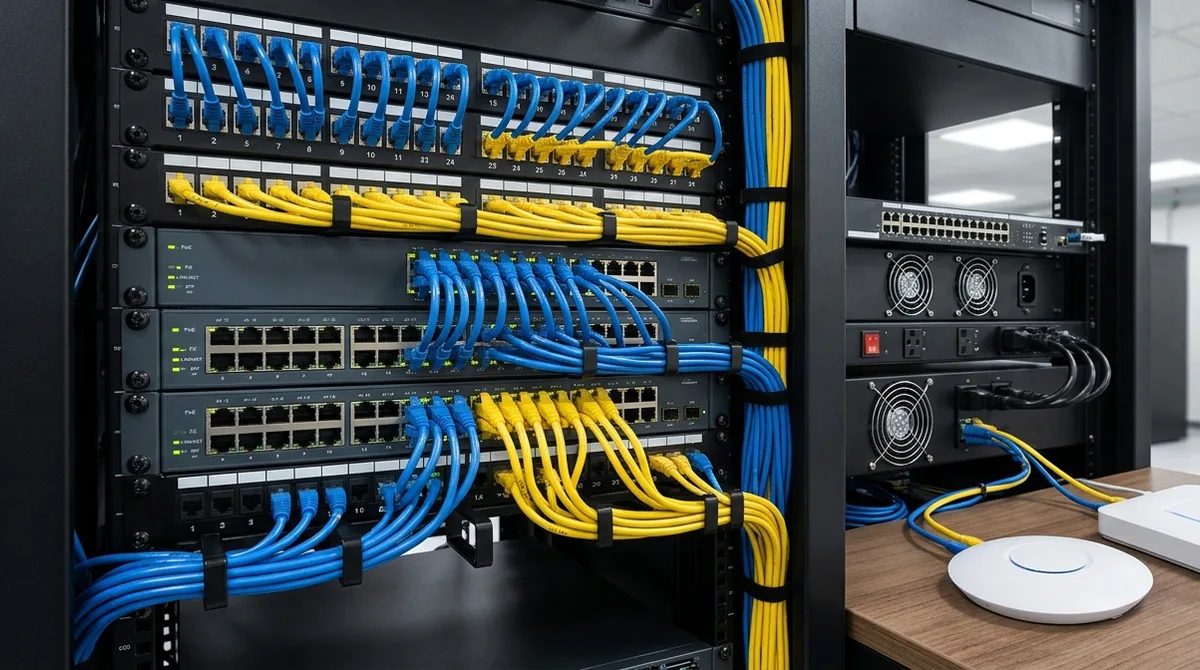
UniFi (Ubiquiti) and Omada (TP-Link) are the two license-free software-defined networking ecosystems that dominate small and mid-size business deployments — and they compete head-to-head on access points, PoE switching, gateways, and single-pane controllers. 2M Technology installs commercial networks for a living, so this comparison is written from the deployment side: what each ecosystem actually does well on real sites, where each one bites, and which types of business should pick which.
The Short Answer
Both are excellent value against subscription platforms — neither charges per-device licensing, which saves thousands per year versus cloud-managed alternatives (see our Ubiquiti vs Meraki breakdown for that math). Choose Omada when the project is a straightforward network — APs, switches, gateway — on a tight budget, especially multi-tenant or franchise sites standardizing on the cheapest reliable SDN stack. Choose UniFi when the network is part of a bigger picture: cameras, door access, and networking managed in one console, with a deeper product ceiling as needs grow.
Side-by-Side Comparison
| Factor | UniFi (Ubiquiti) | Omada (TP-Link) |
|---|---|---|
| Licensing | None — buy hardware, own it | None — same model |
| Controller options | Cloud Keys/UDM consoles, self-hosted software | OC200/OC300 hardware, self-hosted, or paid cloud |
| Access points | Broad line through WiFi 7 enterprise-tier | Broad line through WiFi 7, typically 15–30% cheaper per AP |
| PoE switching | Deep lineup incl. high-wattage and layer-3 | Solid lineup, fewer high-end options |
| Video surveillance | UniFi Protect — native, same console | Separate ecosystem (VIGI) — separate management |
| Door access | UniFi Access — native, same console | No integrated access control line |
| Multi-site management | Site Manager, solid | Strong — Omada Cloud built for MSP/multi-tenant |
| Typical project cost | Baseline | ~15–25% less hardware cost on like-for-like networks |
Where Omada Genuinely Wins
Price per port and per AP. On a pure network build — say 10 APs, 3 switches, a gateway — Omada usually lands 15–25% cheaper for comparable specs. Multi-tenant management: Omada’s cloud tiers were built with MSPs and franchises in mind, and OC200 hardware controllers are cheap enough to drop one at every site. Simplicity: fewer product lines means fewer decisions; for a dentist’s office or a small warehouse that just needs solid WiFi and PoE, Omada is hard to beat on value.
Where UniFi Wins
One ecosystem for network + cameras + doors. This is the deciding factor on most of our commercial projects: UniFi Protect surveillance and UniFi Access door control live in the same console as the network — one interface, one vendor, no integration glue. Omada networks that need cameras end up bolting on a separate VMS. Product ceiling: UniFi’s enterprise switches, WiFi 7 APs (our commercial WiFi 7 deployment guide covers sizing), and NVR line (see the UNVR-Pro storage guide) scale further before you outgrow the platform. PoE planning: higher-wattage IEEE 802.3bt-class switch options matter once cameras and access hardware join the network — our PoE budget planning guide shows the math.
The Camera Question Decides Most Projects
If video surveillance is now or ever will be part of the deployment, the comparison tilts hard toward UniFi: Protect cameras adopt into the same console, storage is sized with the NVR line, and staff learn one interface. Running Omada + a separate camera platform means two vendors, two management planes, and two support paths. If cameras will never be in scope — genuinely never — Omada’s price advantage stands. Price out both with our UniFi system cost estimator as the baseline.
UniFi vs Omada FAQ
Is Omada as reliable as UniFi?
For core networking — APs, switches, gateways — both are dependable in commercial use, and both occasionally ship firmware quirks; pin stable firmware and test before fleet updates on either platform. Reliability is not the differentiator; ecosystem breadth is.
Which is better for a small business?
Network-only and budget-first: Omada. Any chance of cameras or door access later: UniFi — retrofitting a second ecosystem costs more than UniFi’s upfront premium. Most of our small-business clients fall in the second group within three years.
Do either require subscriptions?
No — both are license-free for core management, which is exactly why they headline every Meraki and Aruba cost comparison. Omada’s optional cloud hosting has paid tiers; UniFi’s remote access is free with your own console hardware.
Can you mix Omada and UniFi?
They interoperate as standard network gear (a UniFi AP works behind an Omada switch), but you lose the single-console value that justifies either ecosystem. Pick one per site.
Does 2M install Omada or UniFi?
We deploy both, and recommend by project: Omada where budget rules a network-only scope, UniFi where surveillance or access control is in the picture. 2M Technology (Texas Security License B15309) designs, supplies, and installs across DFW — see our UniFi installation services — and nationwide for larger projects. Request a network design quote.